

Open the right view
- Go to Monitor > Analytics.
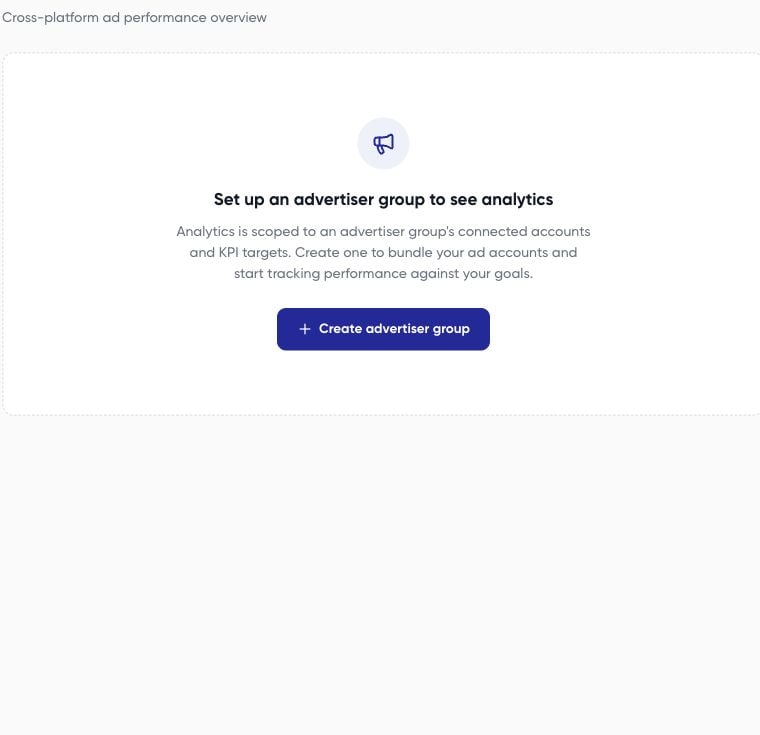
- If you see Set up an advertiser group to see analytics, create a group first.
- Select the intended advertiser group.
- Choose a date preset or custom range and use Apply when shown.
- Check for missing-account or incomplete-data messages before reading totals.
Interpret the report
The dashboard’s reporting design includes summary cards for spend, revenue, blended ROAS, purchases and purchase cost, plus platform and campaign breakdowns.
Use available chart/table controls to inspect the numbers behind trends. The campaign table helps you locate the individual campaigns contributing to a result. Search for a campaign rather than inferring its performance from an account-wide total.