Choose a role
The workspace creator is the Owner. Do not treat the role table as a substitute for checking an external assistant’s permissions and authorization context. Ask support to confirm restrictions when a client requires a strictly read-only external integration.
Send an invitation
- As an Owner or Admin, open Settings > Members.
- Choose Invite.
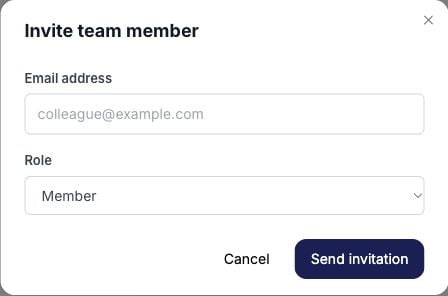
- Enter the teammate’s email address and choose Viewer, Member, or Admin.
- Check the workspace, address, and role, then choose Send invitation.
- Review the Invites tab for the invitation status.