Find and prepare a prompt
- Go to Planning > Prompt library.
- Search for a task or filter by Analysis, Planning, Execution, or Monitoring.
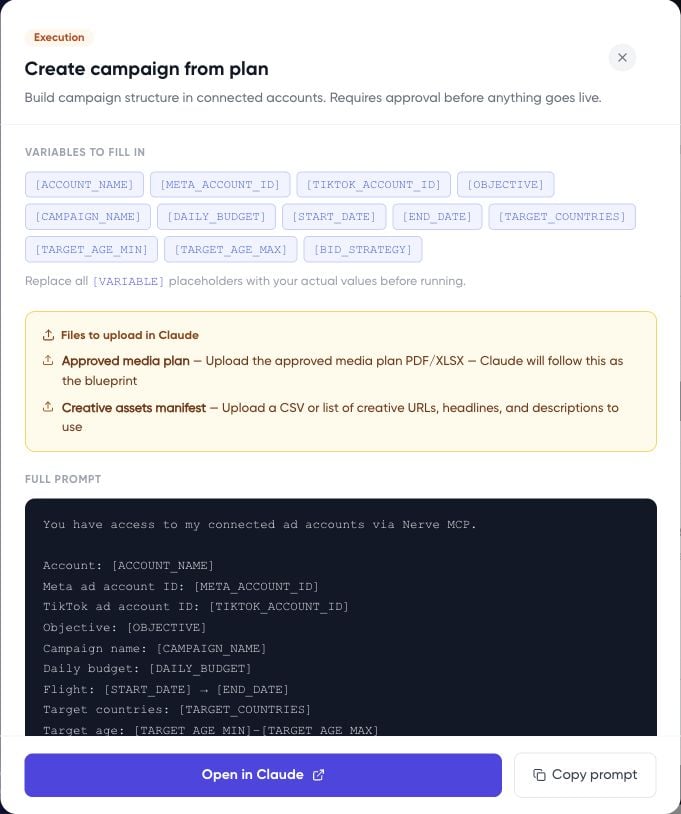
- Open the prompt and read the full instructions, including any file requirements and proposed actions.
- Copy it into your chosen assistant.
- Replace every variable token with an account, date range, target, or other value from your brief.
- Attach any required files in the external assistant, then review and send the completed request.